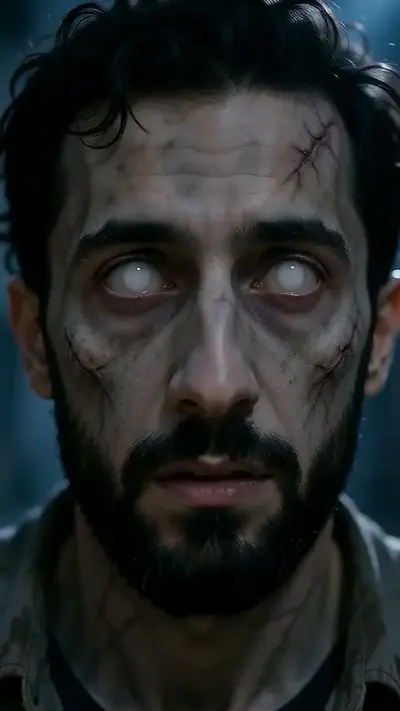
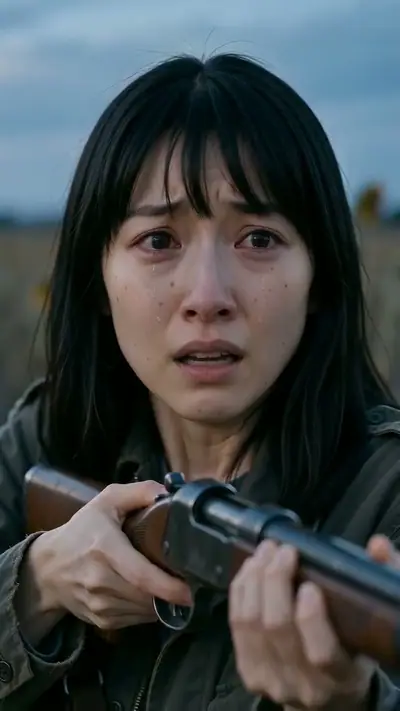
Zombie Hug Prompt Guide & Video Generator

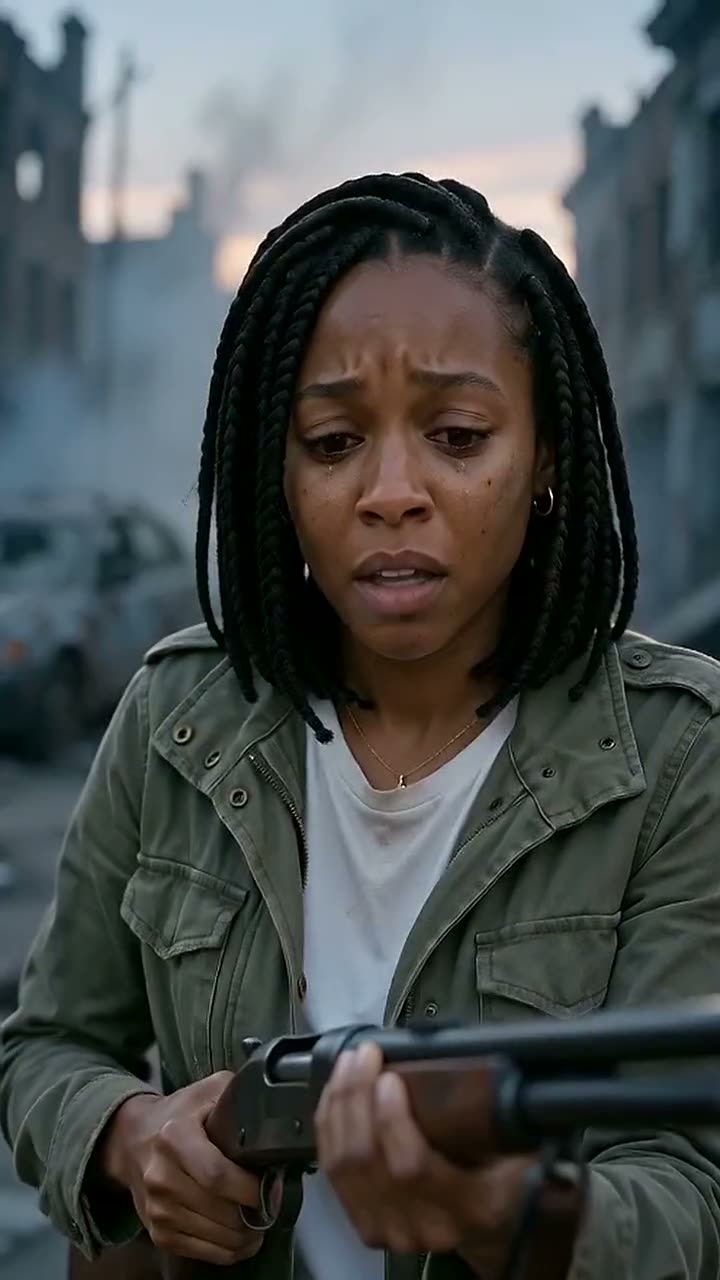
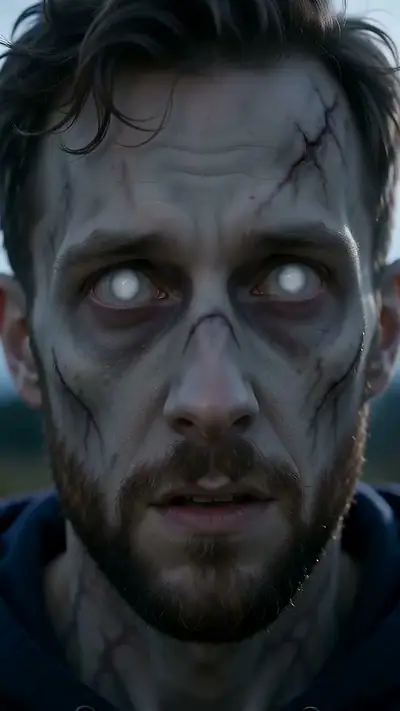
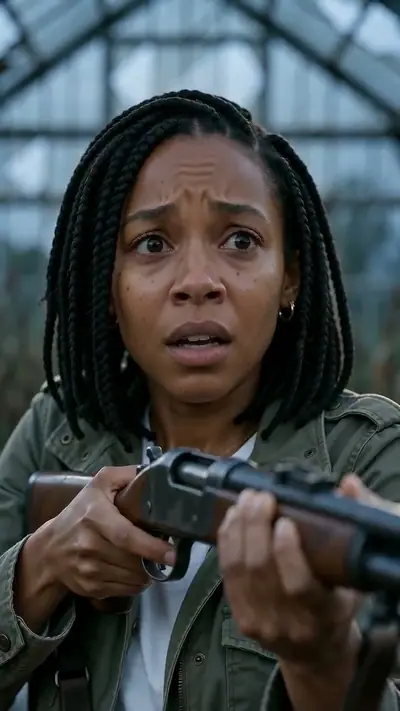
Prompt example: Skip the complex prompts and video editing.

Crafting a convincing zombie hug prompt usually takes hours of tweaking camera angles, lighting, and cut timing. Last Hug AI handles the complex prompting for you, turning two clear photos into a finished cinematic scene.

15 s9:16HD 720pWith soundTwo adult portraits.$9.90 = 2 videos (your story + 1 free role swap)

Person who turns

Person who stays

Aspect ratio
Variant

Acceptable use

Make my video · $9.90 for 2 videos

Stripe Checkout / PayPal

$9.90 = 2 videos (your story + 1 free role swap) · $4.95 per clip

Updated

Prompt example: Skip the complex prompts and video editing.
The photo used for this example: Prompt

Prompt AI video examples

Skip the complex prompts and video editing. Upload two photos of consenting adults, pick a scene, and pay $9.90 by card (Stripe) or PayPal for 2 videos. We take care of the story structure, delivering a finished 15-second HD video with sound and a free role swap in about 3–6 minutes.

Generated

You get

Two adult portraits. Confirm your photo rights and that both adults agreed to be in the video. MP4, 15 s at 720p, 9:16. Model-generated sound. $9.90; about 3–6 minutes.

Make my video

Zombie Hug Prompt Guide & Video Generator

This popular trend relies on a structured sequence: a tense standoff, an emotional pause as a survivor lets down their guard, a sudden leap into an embrace, and a mid-air match cut to a sunny memory. Prompting this by hand requires juggling camera angles, lighting, character consistency, and audio cues. We handle the prompts for you. Just upload two portraits, and our system maps them into a full four-beat story across backdrops like ruined streets, pumpkin fields, marigolds, or sunflower meadows.

  1. Upload Two Photos: Upload clear portraits of two consenting adults aged 18+ without writing any prompt text.
  2. Choose Your Style: Pick your backdrop and aspect ratio. Our built-in workflow handles the rest.
  3. Get Your Videos: Pay $9.90 for 2 videos at checkout. We create both versions and email the download links straight to your inbox.

How to make a Prompt AI video in 3 steps

  1. 1. Upload Two Photos

    Upload clear portraits of two consenting adults aged 18+ without writing any prompt text.

    Photo needed: Two adult portraits.

  2. 2. Choose Your Style

    Pick your backdrop and aspect ratio. Our built-in workflow handles the rest.

  3. 3. Get Your Videos

    Pay $9.90 for 2 videos at checkout. We create both versions and email the download links straight to your inbox.

What you upload and what you get

You upload

Two adult portraits.

The sequence depends on precise emotional beats: a standoff, sudden recognition, a leap into an embrace, and a match cut to a warm memory. Trying to write prompts for this manually takes dozens of tries across multiple tools. We build the direction into the generator, so you get the full cinematic effect without typing a single prompt.

Use JPG, PNG, WebP, HEIC, up to 30 MB. Photos are resized before upload. You can swap the picture before you start. You must be 18 or older. Confirm your photo rights and that both adults agreed to be in the video. We delete uploads after 7 days and never use them to train models.

You get

MP4, 720p, 9:16, 15 s. Model-generated sound.

Every $9.90 purchase gives you 2 videos: a 15-second scene in 720p with ambient audio, plus 1 free role swap. Choose vertical 9:16 or widescreen 16:9. The free role swap switches who plays each character using your original photos.

$9.90 = 2 videos (your story + 1 free role swap) Compare packs before buying more credits.

Photo tips for a better Prompt video

Our generator handles all the complex prompting behind the scenes. Just provide two clear, uncropped portraits to get started.

  • Use clear, well-lit individual photos.
  • Make sure both faces look straight at the camera.
  • Include head and shoulders for natural framing.
  • Avoid sunglasses, hats, masks, or heavy filters.

What can go wrong with a Prompt AI video

Distorted faces from text prompts

Skip messy text prompts. Our system maps your source photos directly into the scene for consistent results.

Awkward or abrupt cuts

Our automated pipeline times the mid-air match cut cleanly without any manual video editing.

Failed safety checks

Make sure your photos show consenting adults aged 18+. Credits return to your balance automatically if a check fails.

A generation that fails returns its credits automatically. If a delivered video has distorted details, email support@zombiecouplevideo.dev with its link for review.

Prompt AI video ideas

See how our automated prompts work under the hood, turning your photos into a scored 15-second story without any scripting.

No Prompting Required

Make cinematic clips in minutes without testing complex text prompts across separate tools.

Seamless Story Timing

Get smooth transitions from tense suspense to warm nostalgia without any manual editing.

Both Perspectives Included

See the story from both sides automatically with your included role swap.

Ready for Social Sharing

Receive clear 720p videos with atmospheric audio, formatted for vertical or widescreen screens.

Prompt AI FAQ

Is using this zombie prompt generator free?
No. You pay $9.90 once and receive 2 videos: your custom story plus a mirrored version with the roles reversed. The initial video uses 10 credits, the role swap uses none, and unused credits never expire.
How long do you store uploaded photographs?
Uploaded pictures are permanently discarded from our databases seven days after processing. Video download links remain confidential unless shared by you.
How fast does the automated system render?
Most videos are ready in about 3–6 minutes, and the private link arrives in your email inbox.
Can I request a refund if needed?
Yes. If you have unused credits, contact support within 14 days for a full refund. Any system rendering errors will also refund your credits automatically.
Do I need an account to generate clips?
No credentials or account setups are involved. Just provide an email when you pay by card (Stripe) or PayPal to receive your final downloads.
Can I generate widescreen landscape videos?
Yes. You can choose 16:9 landscape framing before rendering if you prefer a widescreen format over vertical 9:16.
How does the bonus role reversal work?
Every order creates two versions from your source photos. You get your original scene plus a second cut with the characters reversed.
Do I need to type any text prompts?
No text prompts are needed. Our platform applies the complete narrative sequence to your photos automatically.
How much does it cost?
$9.90 = 2 videos (your story + 1 free role swap).
Are photos private?
Private links; uploads deleted within 7 days. No model training.
How long until delivery?
Usually 3–6 minutes. Private links arrive by email.

Explore More Generator Styles

Browse our scene variations, from holiday themes to emotional reunions, and choose the style you like best.

Skip the Prompts and Make Your Video

Make my video

No subscription needed. Pack credits never expire.